

Answers
For How to Reverse Engineer Viral Crochet Trends from a Single Photo Using AI, prepare craft type, yarn, hook or needle, size, gauge, skill level, and project goal. Keep a clear decision boundary before acting on the result.
Yarnie can support this workflow: follow or generate a yarn craft pattern. Review the result against gauge, stitch count, yarn weight, fit, saved patterns, and progress.
Key takeaways
- Learn to identify stitch direction and construction methods visually
- Use AI tools to bridge the gap between inspiration photos and written instructions
- Understand the importance of swatch testing when replicating visual trends
- Adjust patterns for personal fit rather than following an image blindly
The Frustration of the Unfindable Pattern
We have all been there while scrolling through social media: a stunning, chunky-knit cardigan or a delicate lace crochet top appears, but there is no link to a pattern and the creator is unresponsive to comments. This digital gatekeeping or the simple loss of vintage patterns creates a gap between inspiration and creation that traditional search engines often fail to bridge. Identifying a stitch from a grainy photo requires a deep knowledge of yarn weights, tension, and structural geometry that can take years to master, leaving many makers feeling stuck behind a wall of beautiful but unattainable imagery.
In practice, that means slowing down long enough to give Yarnie the context a human would ask for: what you are trying to decide, what details are visible, and what kind of next step would be useful.
Analyzing the Anatomy of a Stitch from Visual Data
To recreate a look, you must first train your eye to look past the color and focus on the shadow and relief of the stitch work. High-contrast photos allow you to see the direction of the yarn, which indicates whether a piece was worked in rows, rounds, or joined motifs. Look specifically for the 'V' shapes of single crochet or the 'posts' of double crochet to determine the height of the stitches.
By zooming in on the edges of the garment, you can often identify the increase or decrease points that give the piece its shape, effectively reverse-engineering the designer's structural blueprint before you even pick up a hook.
A useful session should reduce uncertainty, preserve the evidence behind the result, and make the next action easier to choose. More screens do not help when the underlying context is incomplete.
Leveraging AI for Pattern Recognition and Logic
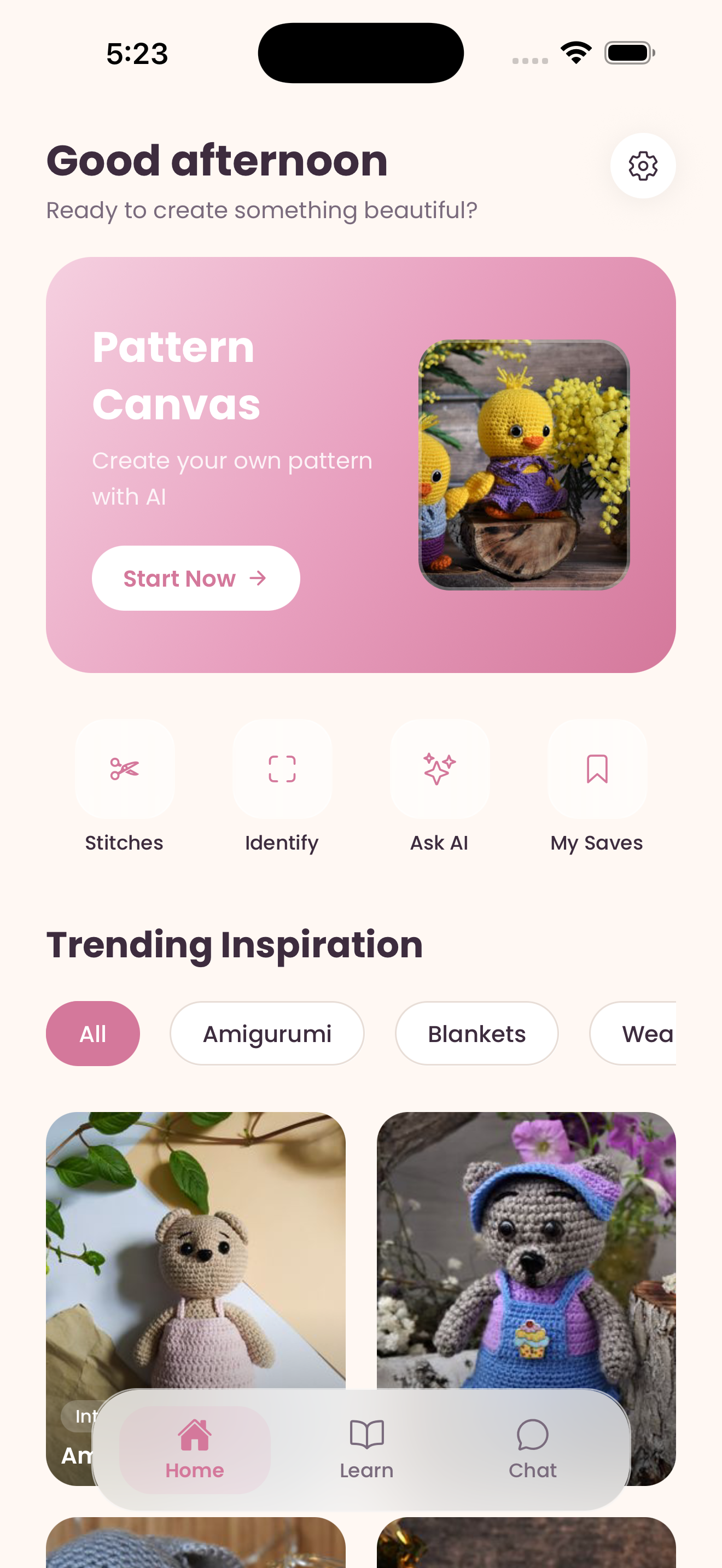
Artificial intelligence has shifted the landscape for fiber artists by providing a second set of expert eyes that can process visual textures faster than the human brain. Modern AI tools can analyze the pixel density and repeating patterns in a photo to suggest likely stitch matches and even estimate the gauge based on the relative size of the yarn fibers. For instance, the Yarnie app allows users to upload these viral photos and uses specialized image recognition to identify specific stitches and help generate a logical pattern sequence.
This technology doesn't just give you a static answer; it helps you understand the 'why' behind the construction so you can adapt the design to your own body measurements.
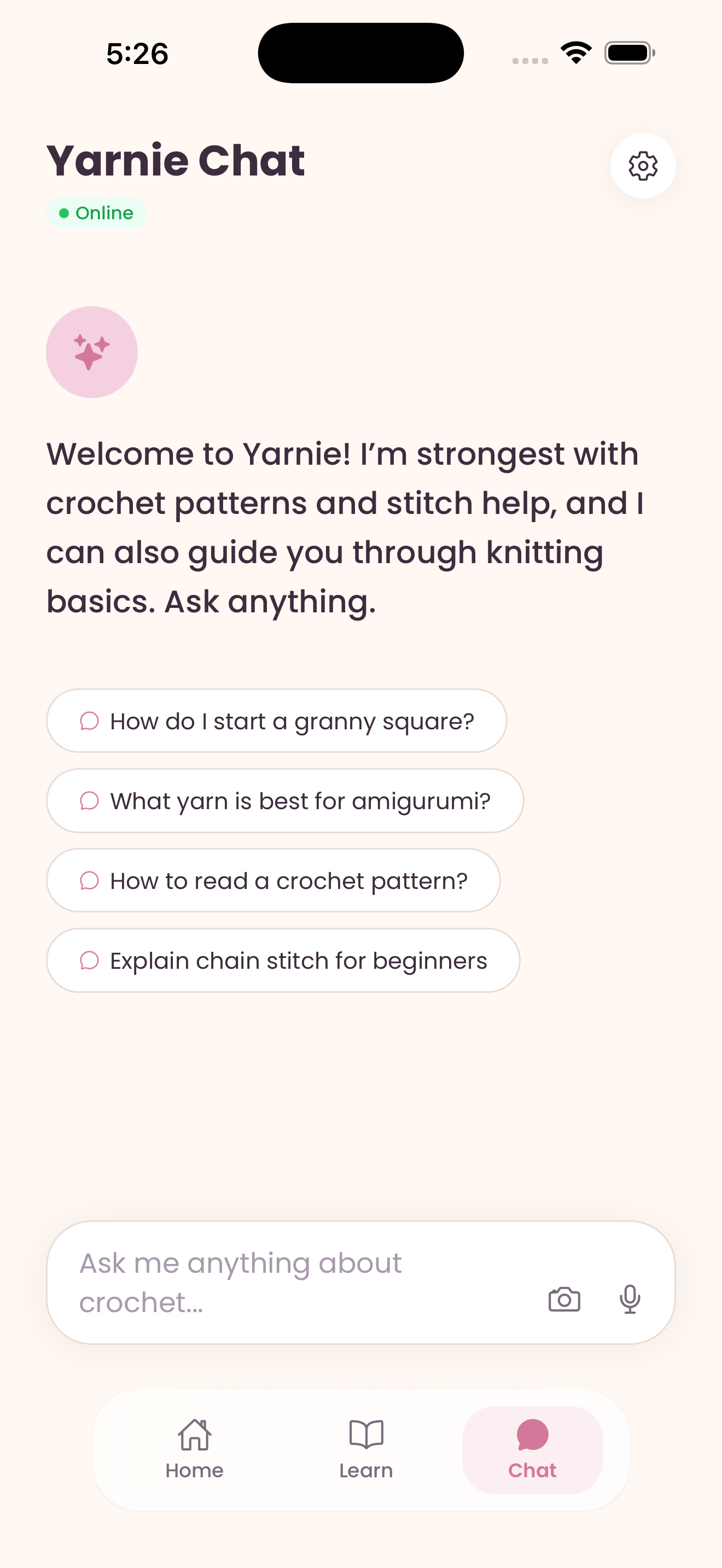
Yarnie helps users follow or generate a yarn craft pattern, but the result should still be checked against the user's own context and any professional boundary that applies.
The Bridge Between Image and Gauge
Once you have identified the stitch, the most common pitfall is failing to account for yarn weight and hook size differences between the photo and your stash. A photo of a delicate mohair sweater will not translate directly to a worsted weight acrylic without significant mathematical adjustments to the stitch count. You should use a gauge checker tool to ensure that your tension matches the intended drape of the original piece.
If the AI suggests a specific stitch density, create a four-inch swatch first to see if the fabric you are creating has the same movement and opacity as the trend you are trying to emulate.
The best repeat users build a small history. Saved sessions, notes, screenshots, or previous results make future decisions faster because the app has a clearer personal reference point.
Refining the Design and Troubleshooting
Rarely is a first draft perfect when working from a single image, as photos often hide the back or the internal seams of a garment. This is where your own creativity and iterative testing come into play. If the shoulders are drooping more than the original, you may need to adjust your decrease rate or switch to a smaller hook for the ribbing.
Use the pattern-following features in your digital tools to keep track of these modifications in real-time, ensuring that the second sleeve matches the first. Remember that AI is a powerful assistant, but your tactile intuition as a maker is what ultimately turns a digital image into a wearable piece of art. Ready to turn your Pinterest board into a finished project?
Download Yarnie on the App Store or Google Play to start identifying stitches today.
In practice, that means slowing down long enough to give Yarnie the context a human would ask for: what you are trying to decide, what details are visible, and what kind of next step would be useful.
Product moments: Yarnie
Yarnie supports this workflow: follow or generate a yarn craft pattern. It is designed around craft type, yarn, hook or needle, size, gauge, skill level, and project goal, and its output should be reviewed against gauge, stitch count, yarn weight, fit, saved patterns, and progress.
Continue in Yarnie when you have craft type, yarn, hook or needle, size, gauge, skill level, and project goal ready and want to save the result.
Before you download.
What is the practical takeaway from How to Reverse Engineer Viral Crochet Trends from a Single Photo Using AI?
For How to Reverse Engineer Viral Crochet Trends from a Single Photo Using AI, prepare craft type, yarn, hook or needle, size, gauge, skill level, and project goal. Keep a clear decision boundary before acting on the result.
Which inputs make this article more useful?
Prepare craft type, yarn, hook or needle, size, gauge, skill level, and project goal. Specific context makes the result easier to inspect and compare.
When does this workflow need outside confirmation?
Gauge and sizing still need real swatches for reliable finished measurements. Seek the appropriate qualified source when the decision affects health, safety, money, or legal rights.
Practical checklist
Trust note
AI image recognition is highly dependent on photo quality; blurry or low-light images may result in incorrect stitch identification.